ironSource Adapter
This guide covers the integration of Boldwin SDK through ironSource Level Play platform. The Boldwin SDK supports the following ad formats:
- Banner
- Interstitial
- Rewarded
ironSource Integration
For comprehensive ironSource LevelPlay setup instructions, see the official ironSource LevelPlay documentation.
Android Setup
Add Dependencies to your app
Follow the integration guide.
Add to your app's build.gradle:
dependencies {
    // Boldwin SDK
    implementation 'com.boldwin.sdk:core:1.15.13'
    // ironSource Boldwin Adapter
    implementation 'com.boldwin.sdk:ironsource-adapters:1.15.13'
}
Configure Boldwin in ironSource Dashboard
- Log in to your ironSource dashboard.
- Go to LevelPlay > Setup > Networks.
- Click Add Custom network.
- Enter
15c0c665das Network Key.

Configure placement IDs
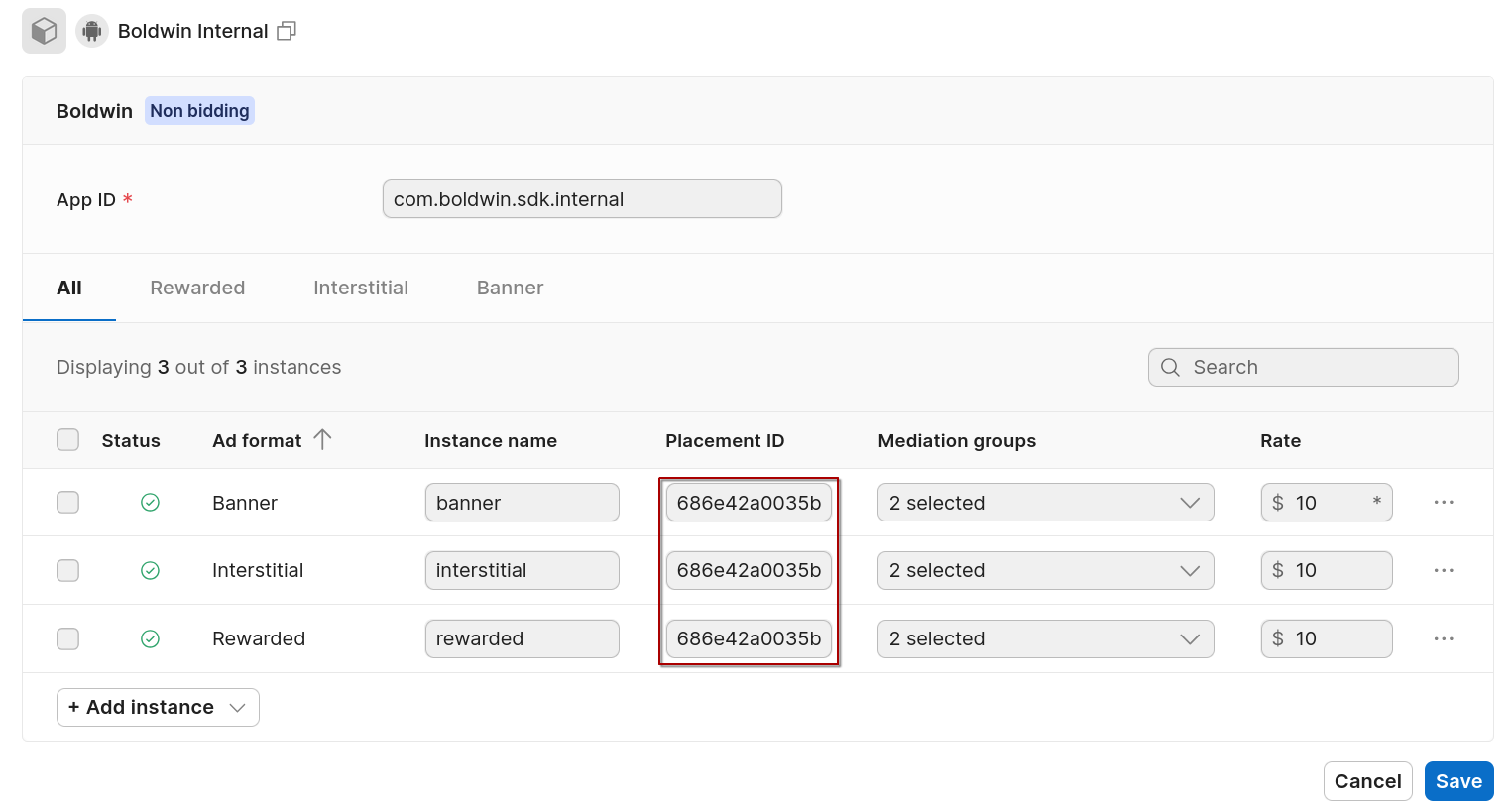
- Go to LevelPlay > Setup > Instances
- Select Boldwin
- Click Add instance and select the ad format
- Write the placement ID for the selected ad format
Configure Boldwin For Ad Units
- Go to Management > Mediation.
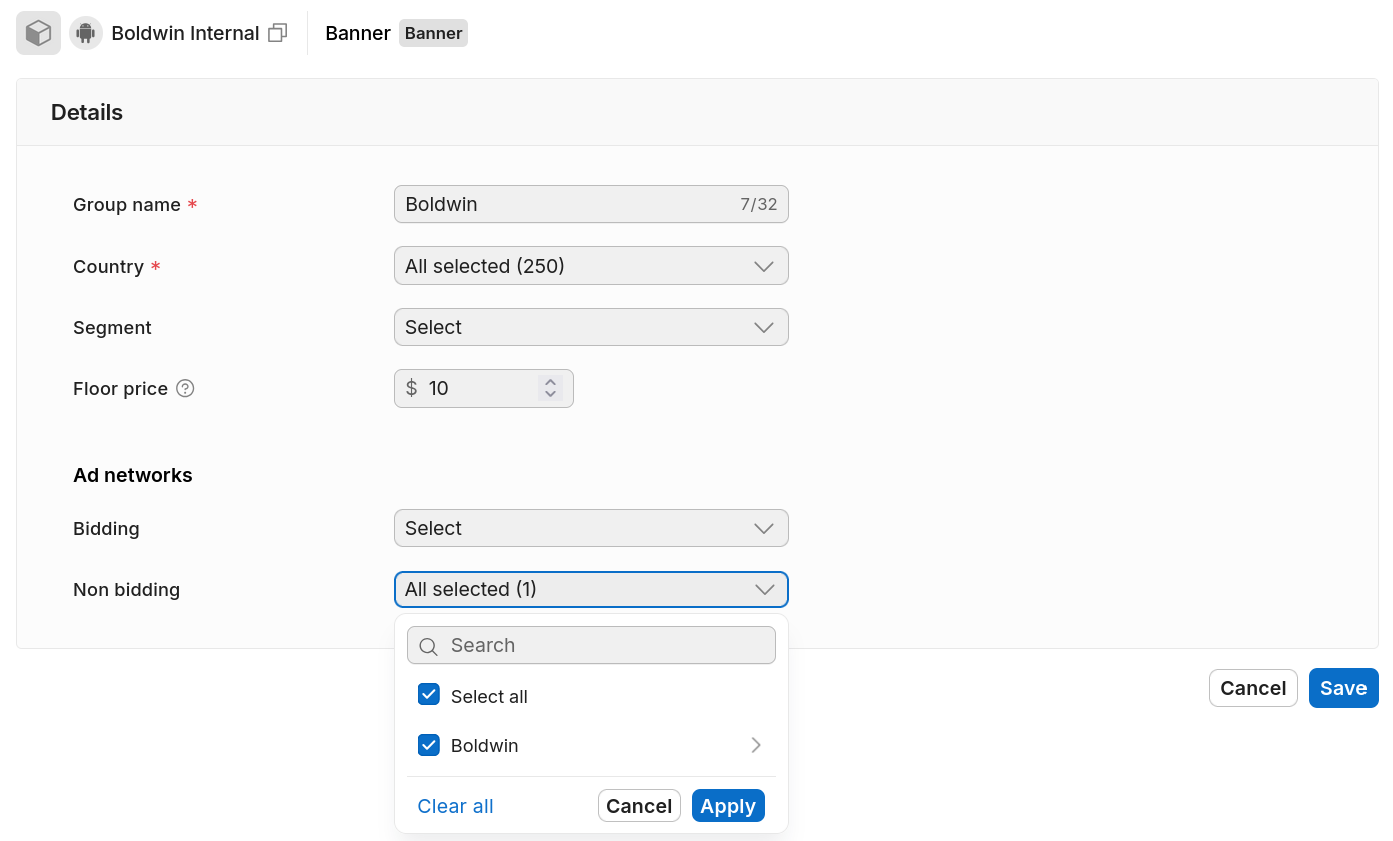
- Click Add new group.
- Select Boldwin as ad network.
- Save the group.